 No Cap Terminal
Download
Free. Direct download, no store account, no sign-up.
- Windows builds for ARM64 (Snapdragon, Surface Pro X) and x64 (Intel and AMD). Not sure? Most PCs are x64.
- The installer is not code-signed yet, so Windows SmartScreen may say "Windows protected your PC". Click
More info, thenRun anyway. - Android: open the APK from your browser and allow installing from this source when asked.
Features
What a Termux and Termius pair does, in one app on your phone and your PC.
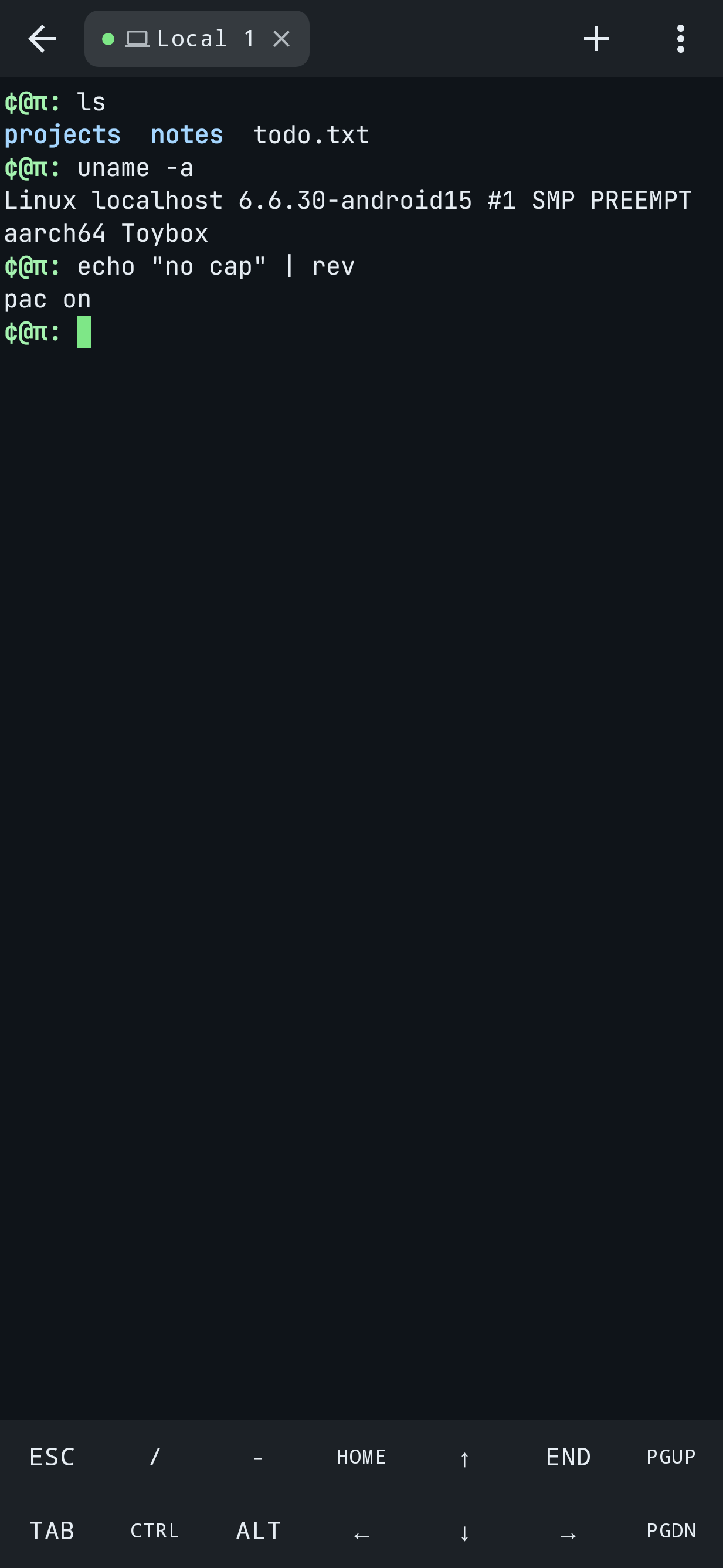
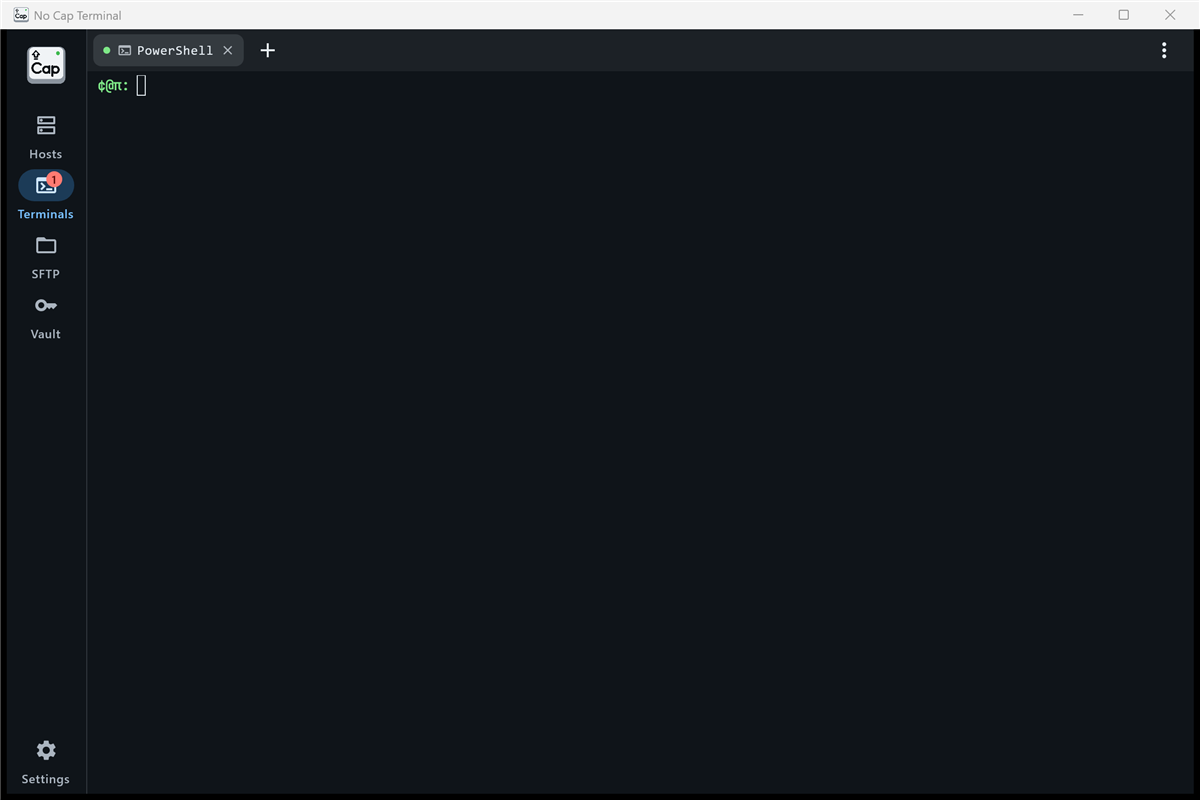
Local shell
Termux-style on Android; PowerShell, cmd, WSL and Git Bash on Windows. Signature ¢@π: prompt.
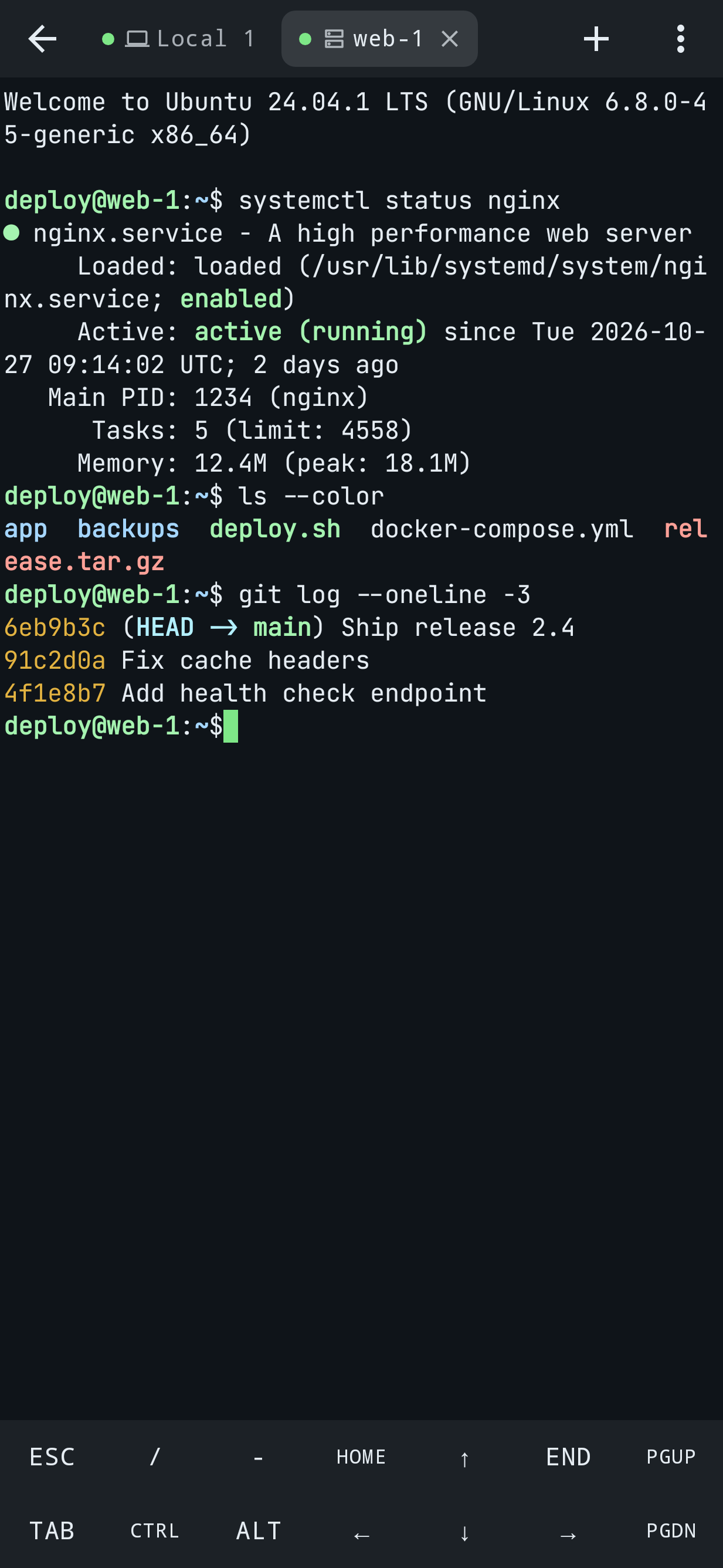
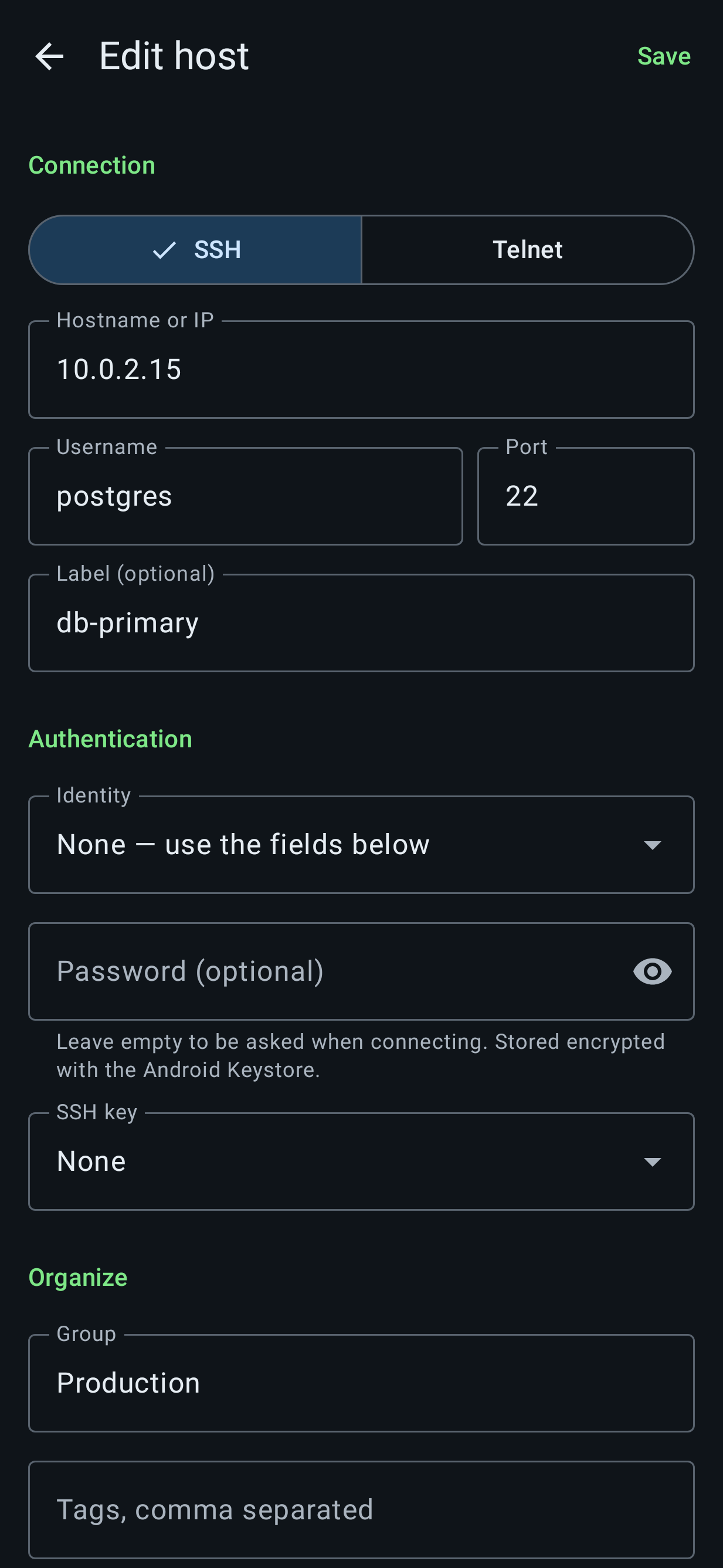
SSH and Telnet
Tabs mixing local, SSH and Telnet sessions. Post-quantum key exchange (mlkem768x25519-sha256).
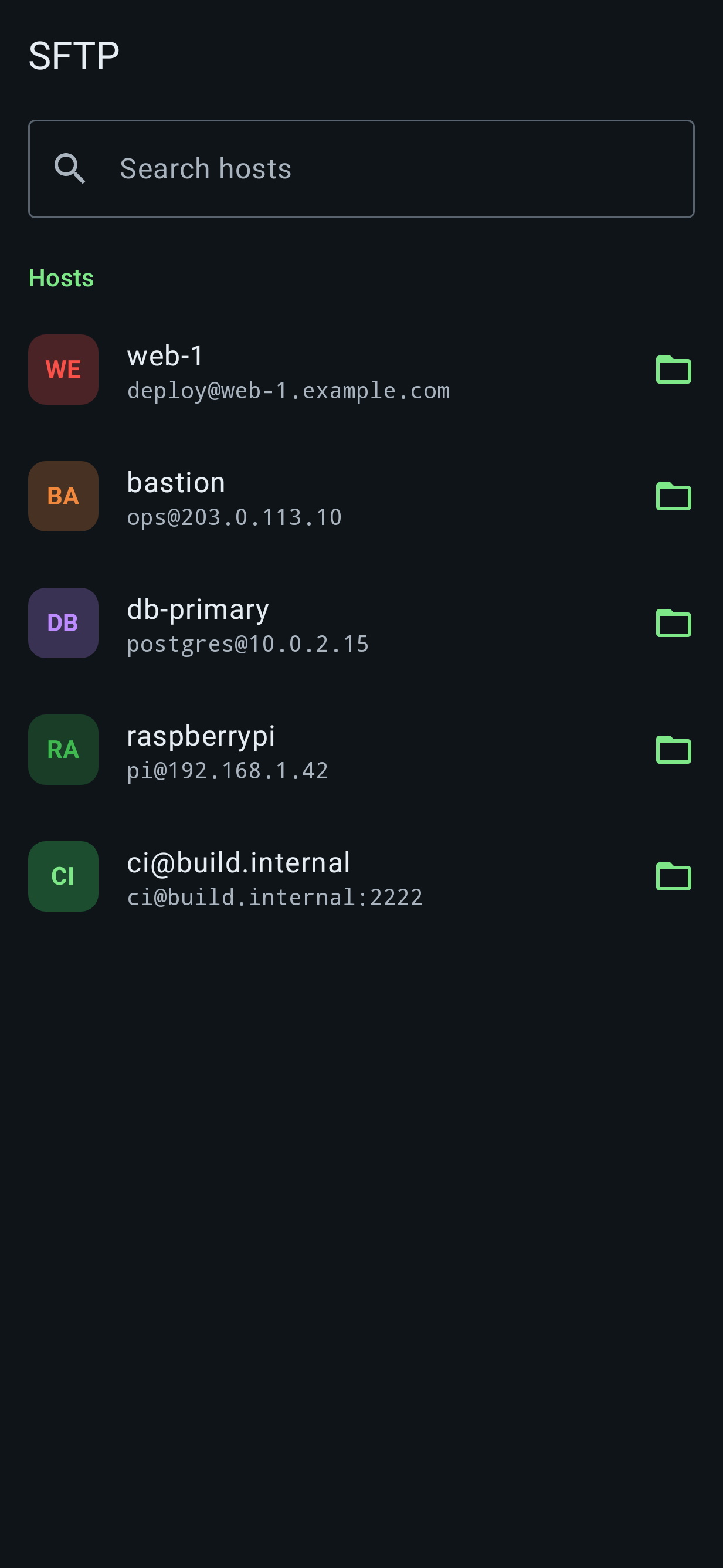
SFTP with editor
Browse, transfer and edit remote files with the built-in editor.
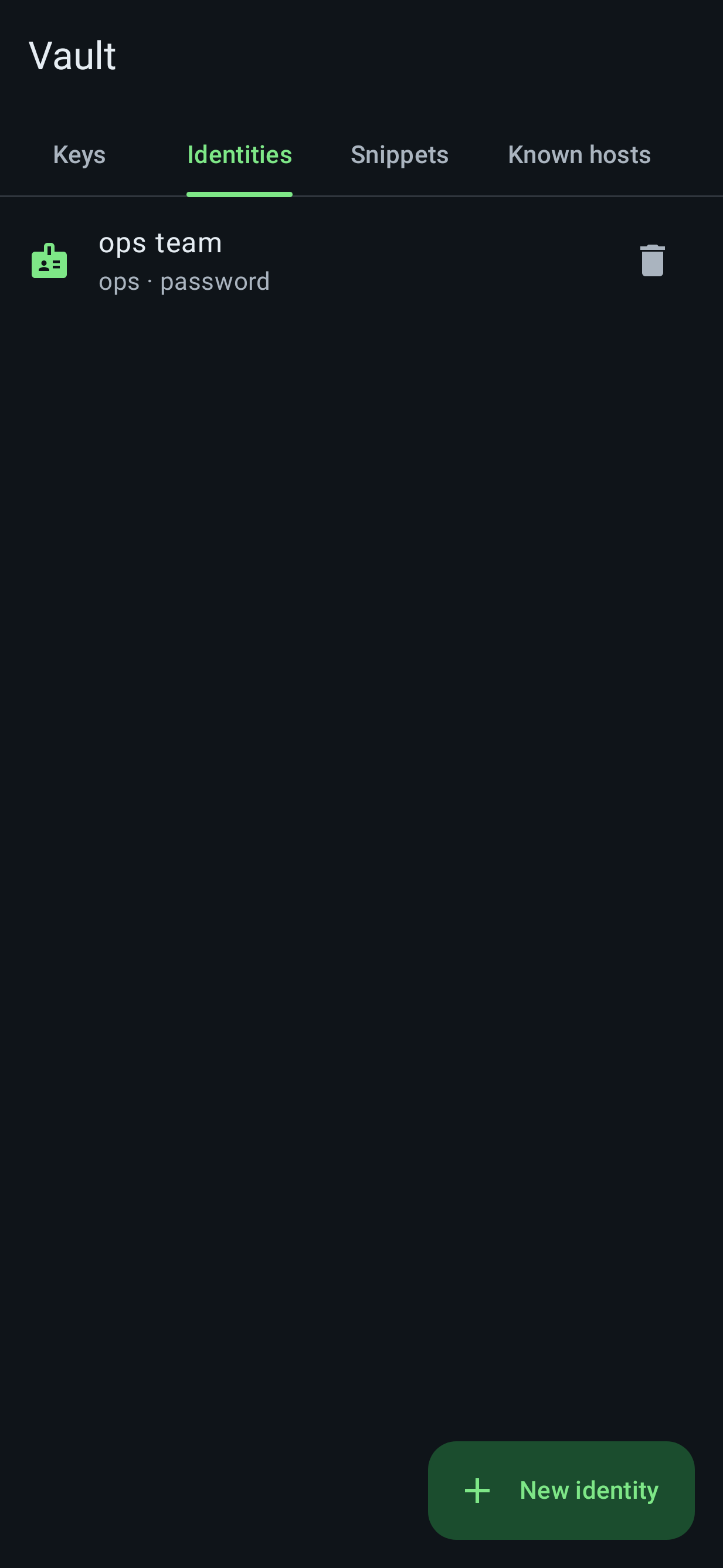
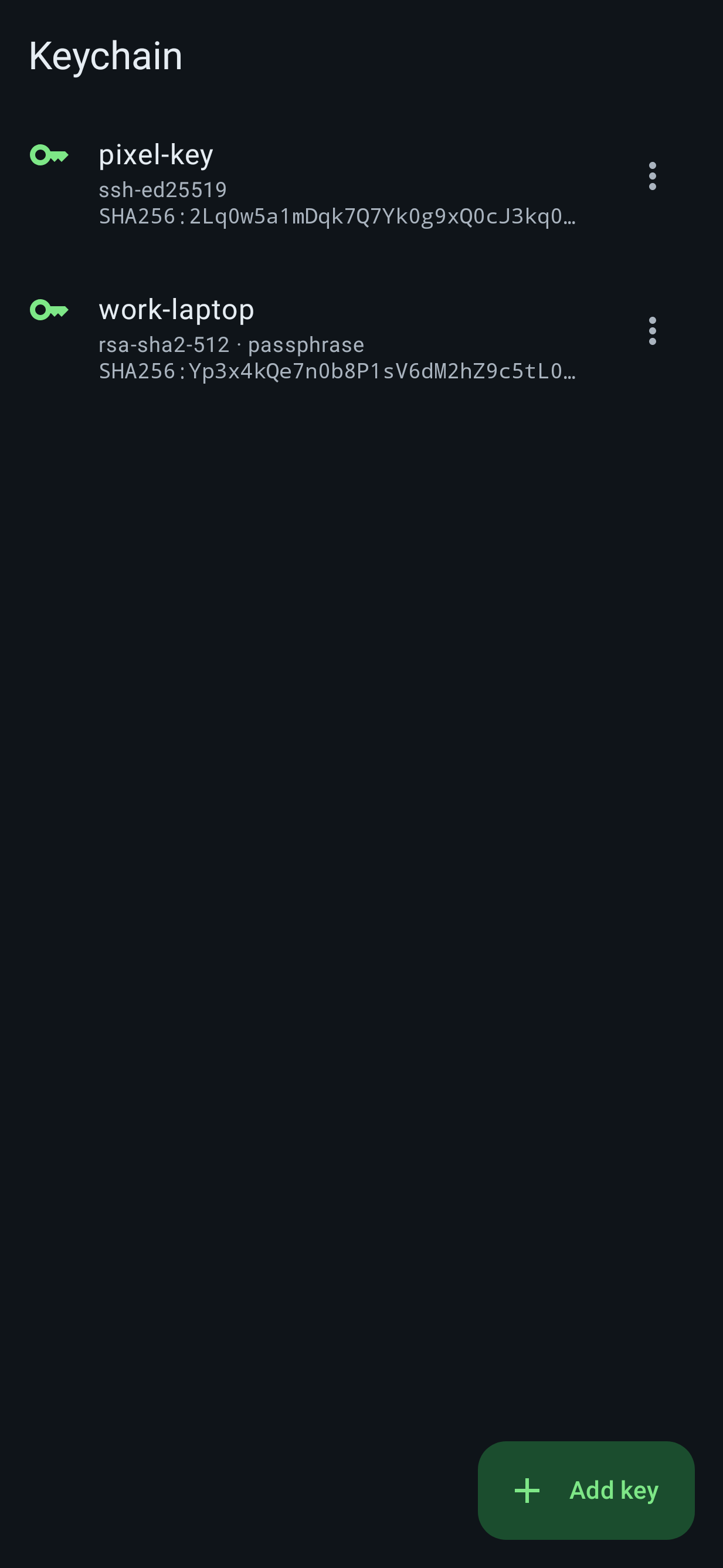
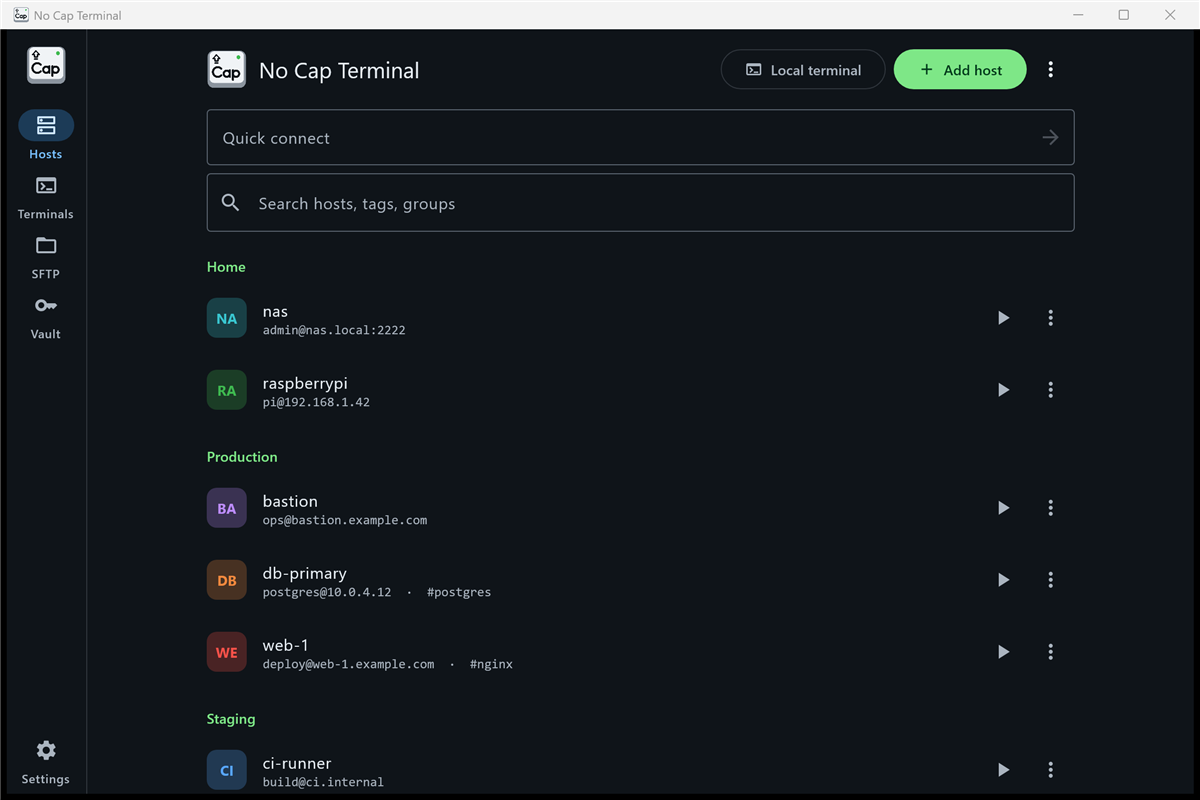
Keys and identities
Generate Ed25519, ECDSA or RSA keys. Import OpenSSH, PEM or PuTTY keys. Reusable identities.
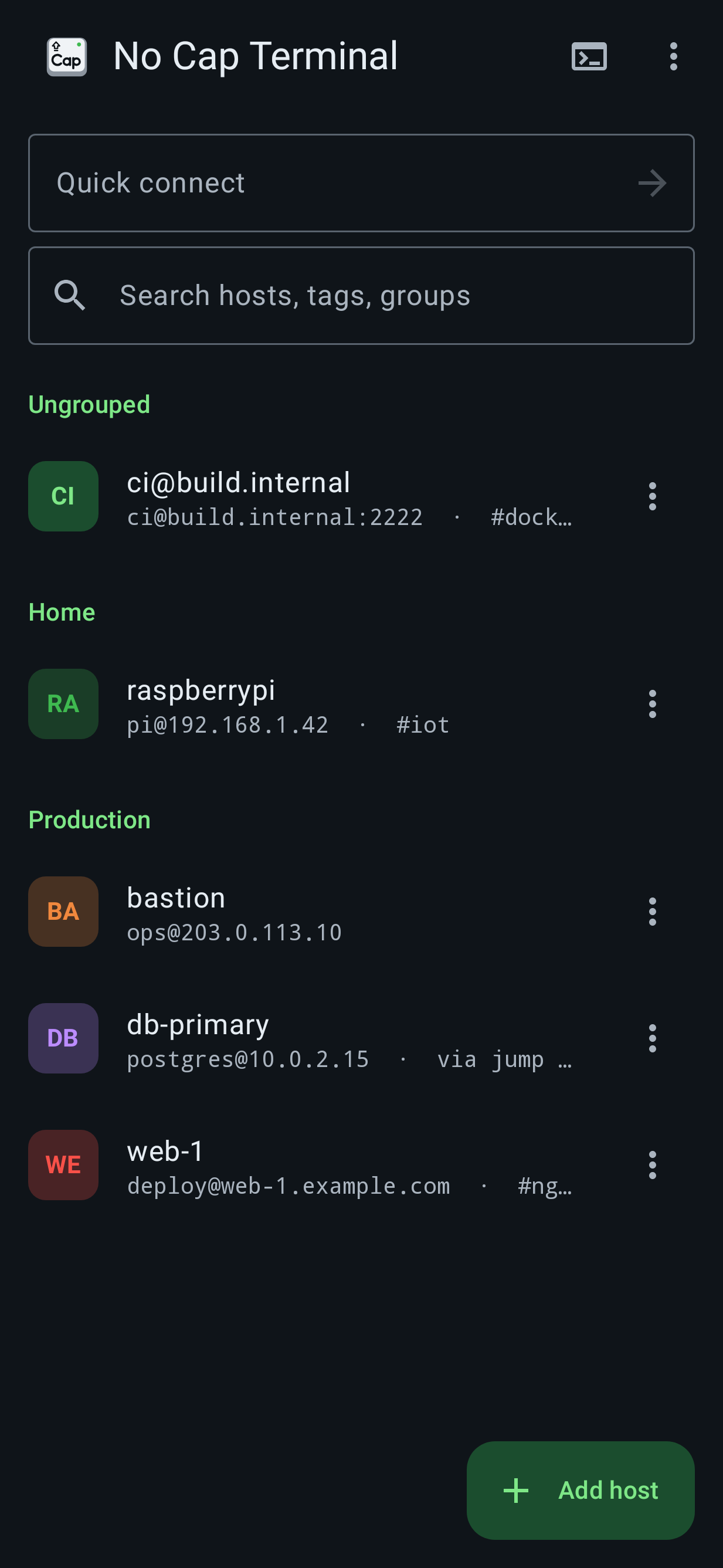
Jump hosts and tunnels
Port forwarding (-L, -R, -D), jump hosts, and tunnel-only sessions with no shell.
Snippets
Save commands with {{variables}} and fill them in when you run them.
Import ssh config
Bring your hosts in from an existing ~/.ssh/config.
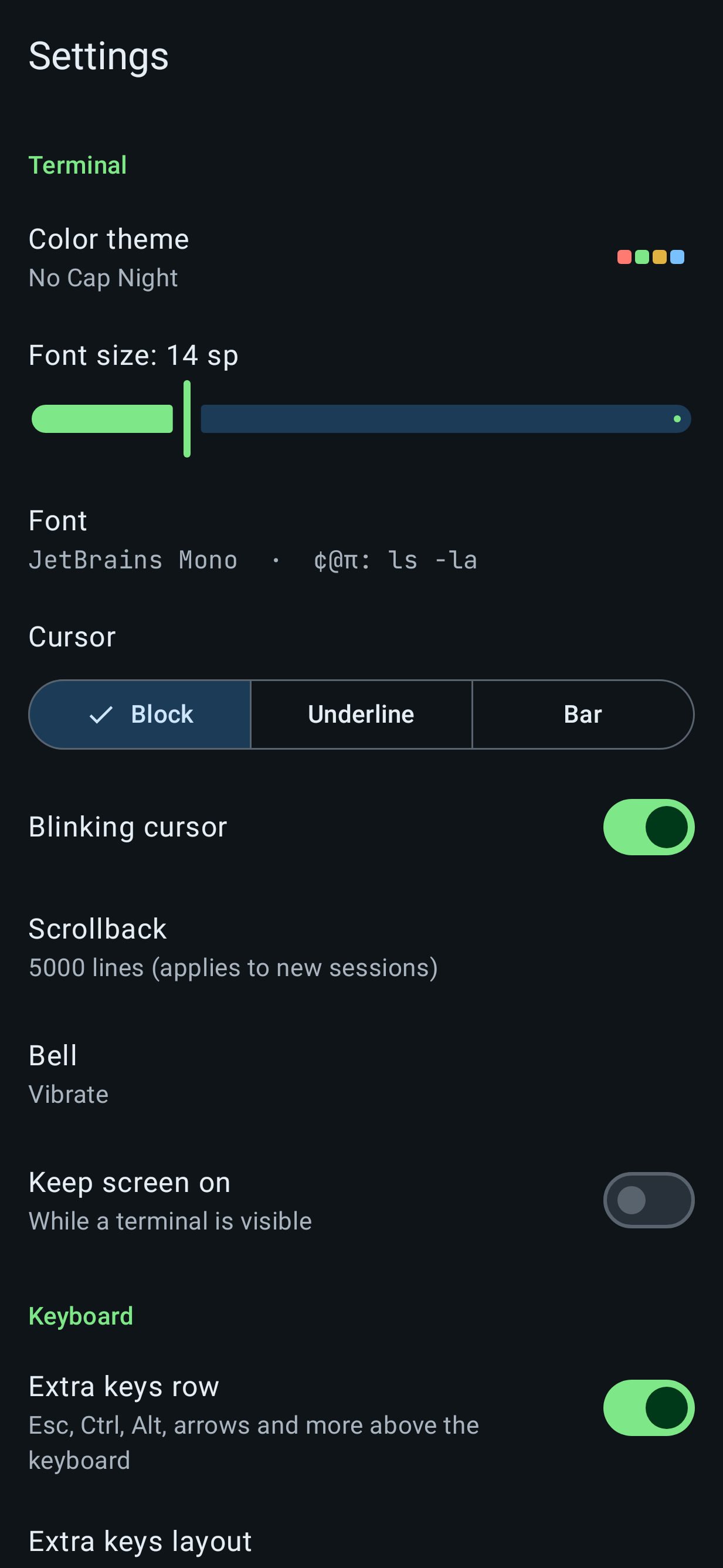
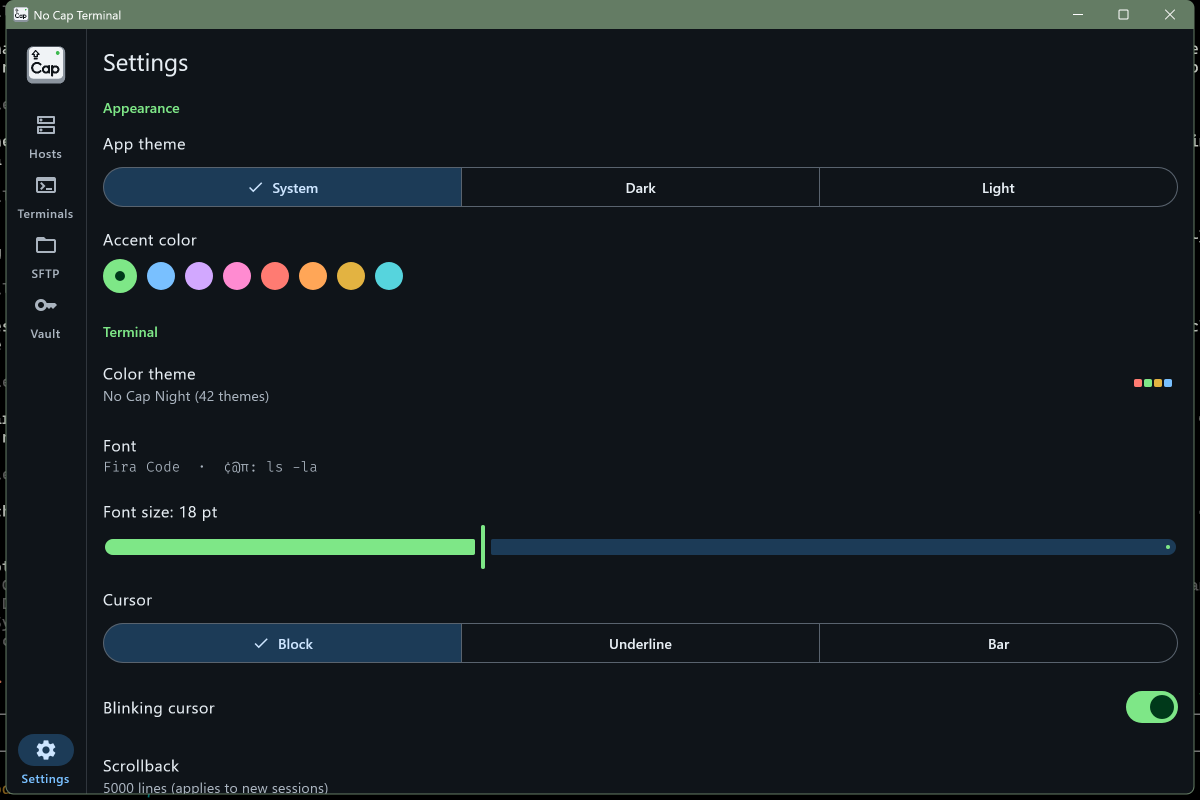
42 themes, 28 fonts
Dracula, Tokyo Night, Catppuccin and more, with 28 monospace fonts bundled.
Encrypted backup
One AES-256-GCM encrypted file moves your hosts and keys between phone and PC.
Secrets stay put
Encrypted on device with Android Keystore or Windows DPAPI.
No account, no cloud
No sign-up, no sync server, no analytics, no ads.
Screenshots
Android.
Windows
FAQ
Is it free?
Yes. No ads and no paid tier.
Do I need an account?
No. There is nothing to sign up for.
Where is my data?
Only on your device. Hosts, keys and passwords never leave it, and secrets are encrypted there. Backups are encrypted files that you create and control. Read the privacy policy.
Why the SmartScreen warning?
The Windows installer is not code-signed yet, and Windows warns about unsigned downloads from new publishers. Click More info, then Run anyway.
Does it replace Termux?
Not completely. There is no package manager yet; the local shell uses the tools your device already has.